Devloom Cloud

Your whole development environment, in a browser tab.

Sign in and your workspace is ready: editor, terminal, Git, PostgreSQL and Devloom-Agent, with your files where you left them.

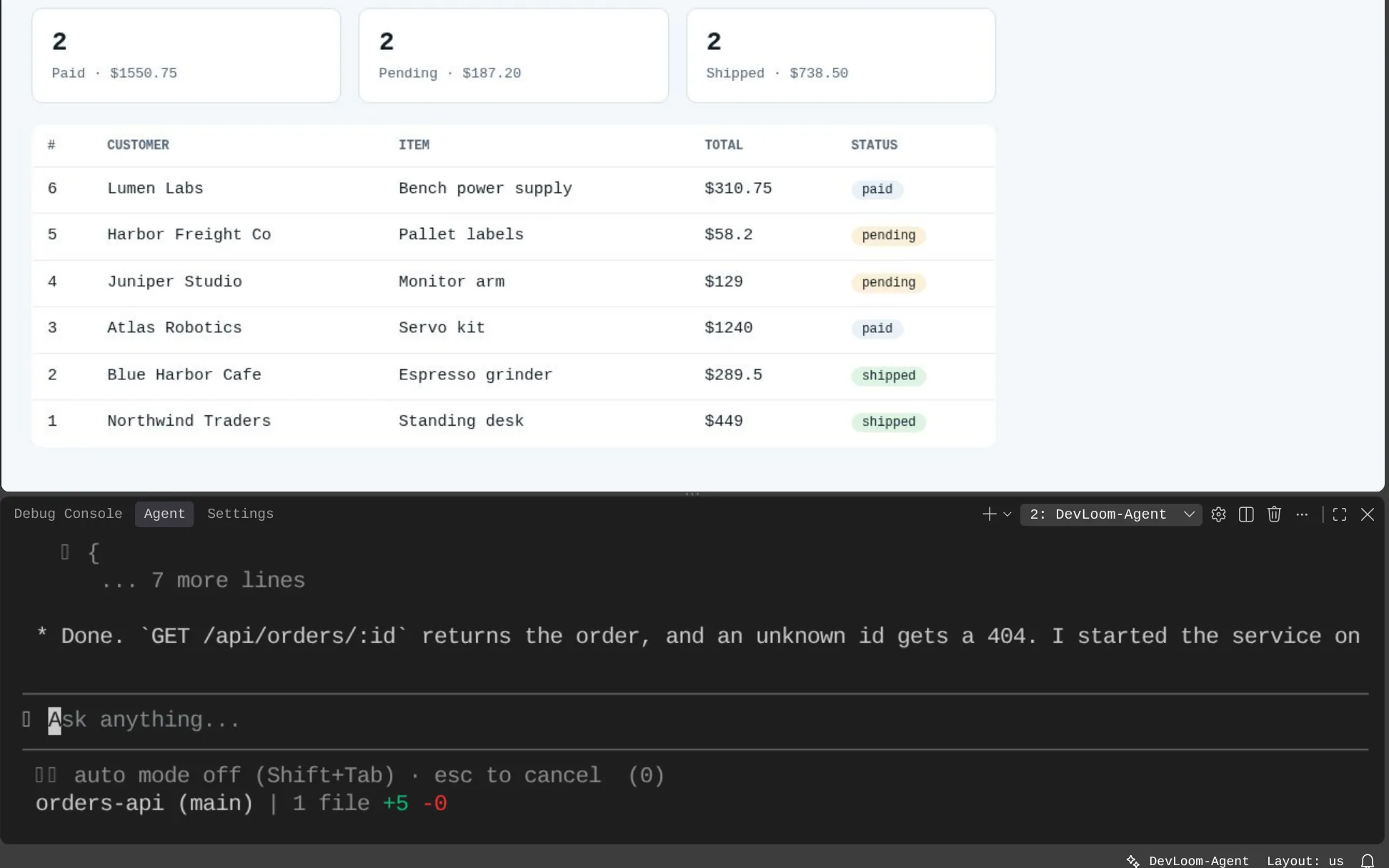
A running orders dashboard in the Devloom Tester tab, above Devloom-Agent reporting that the new endpoint passed its tests

Built in

Nothing to install, nothing to wire up.

  • Run any project

    Run detects Spring Boot, Angular, Node.js, Python and Go projects, also in subfolders, and starts several at once.

  • Live app testing

    Web apps open in Devloom Tester, a live browser tab the agent and you can both use.

  • PostgreSQL per workspace

    Your own PostgreSQL 15, ready from the first run, with Devloom SQL to browse it.

  • Your own private workspace

    A separate container and storage for each user. Read how on the security page.

Devloom-Agent

An agent you can shape to your team.

Switch between Plan and Act, choose how much it may do on its own, and teach it how your team works.

  • Add MCP servers, including ready-made open-source ones
  • Write skills, rules, workflows, agents and hooks, per project or for all projects
  • Changes apply to the running chat at once
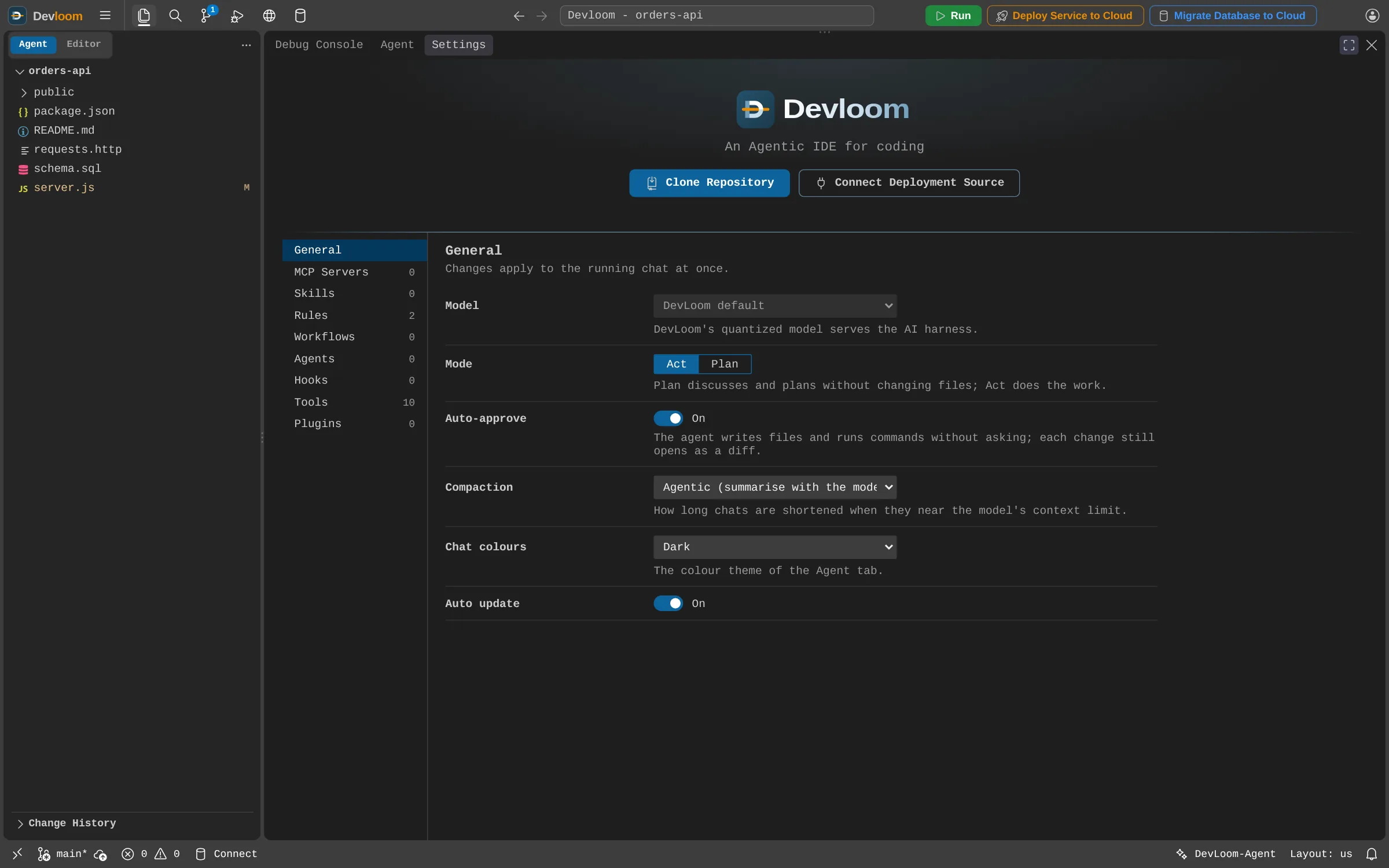
The Devloom-Agent settings tab: model, mode, auto-approve and compaction, with MCP servers, skills, rules, workflows, agents and hooks listed at the side

Ship it

Your code, your cloud account.

Connect an account, confirm what will be billed, and follow every step in a live log.

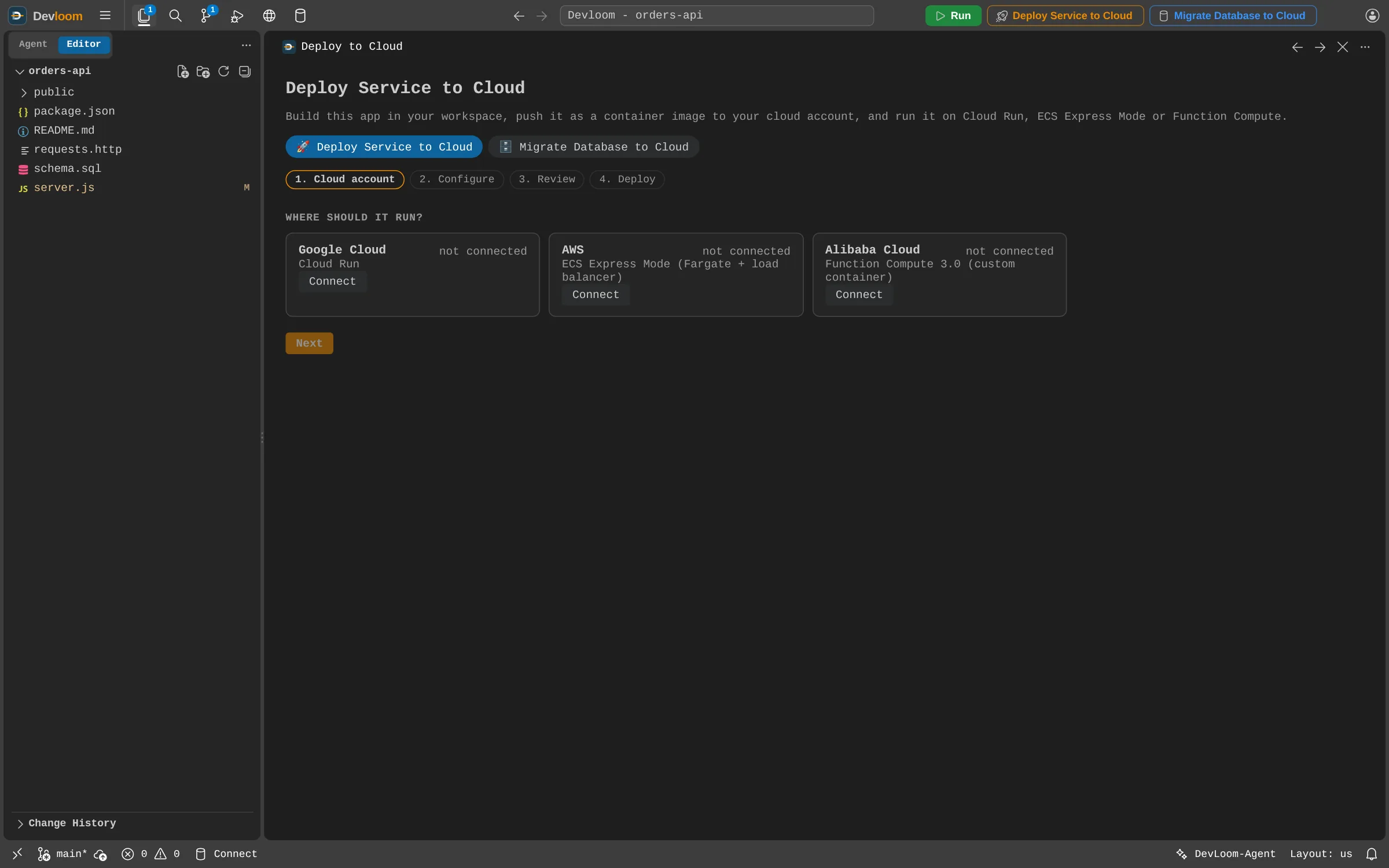
The Deploy Service to Cloud panel, offering Google Cloud Run, AWS ECS Express Mode and Alibaba Function Compute

Deploy Service to Cloud

Build in your workspace and run as a container on Google Cloud Run, AWS ECS Express Mode or Alibaba Function Compute. No Dockerfile, and no Docker needed.

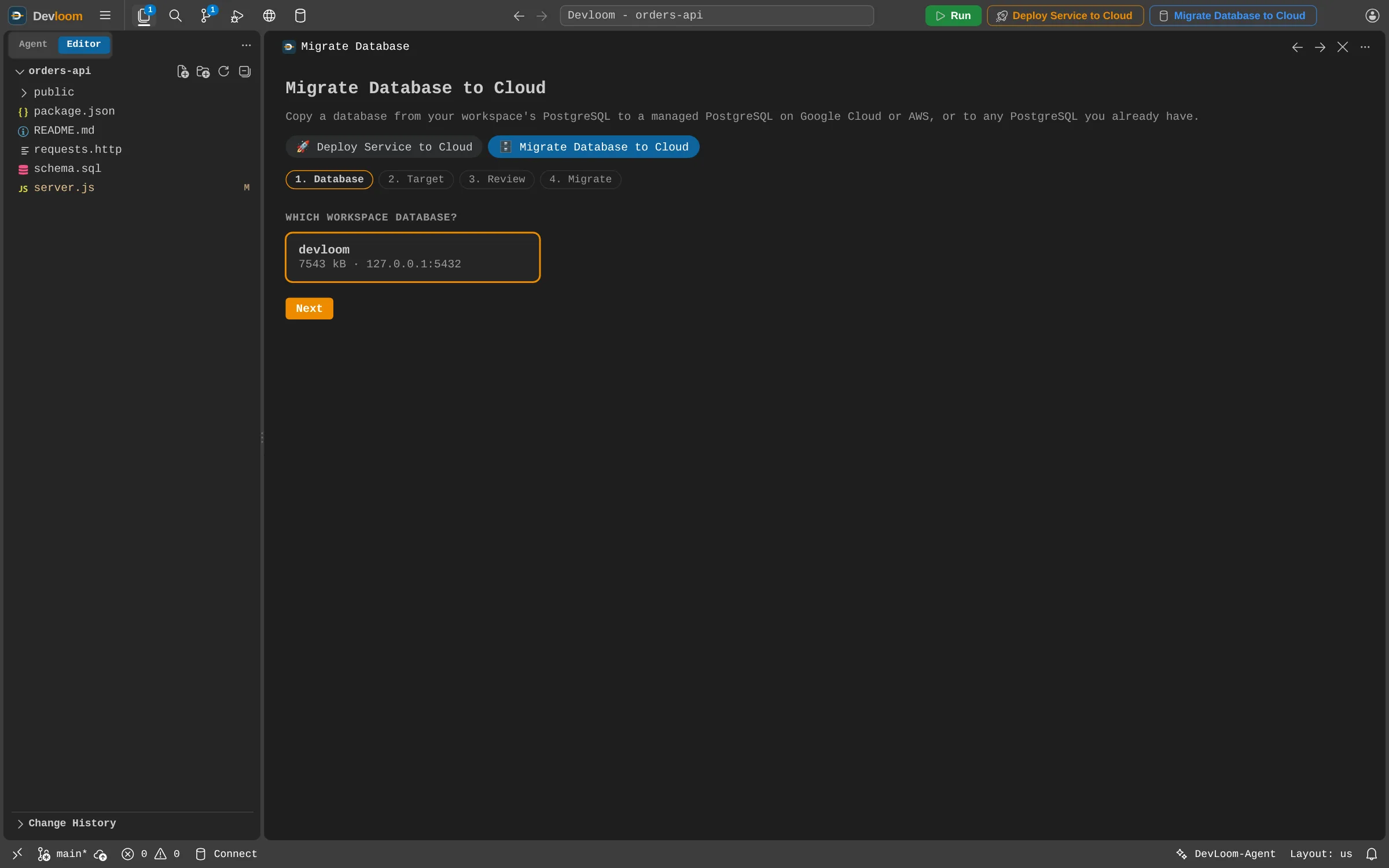
The Migrate Database to Cloud panel, with the workspace PostgreSQL database selected as the source

Migrate Database to Cloud

Copy your workspace database to a new Cloud SQL or Amazon RDS instance, or to any PostgreSQL you already have. Every table's row count is compared afterwards.

When something breaks, the agent reads the logs

Connect Jenkins, AWS, Google Cloud or Alibaba Cloud, and Devloom-Agent can read your build, service and database logs to find the cause. Its access is read-only: it never starts or changes a pipeline.

Start building with Devloom.

Request an account and start as soon as it is approved.