
01
Start from what actually failed
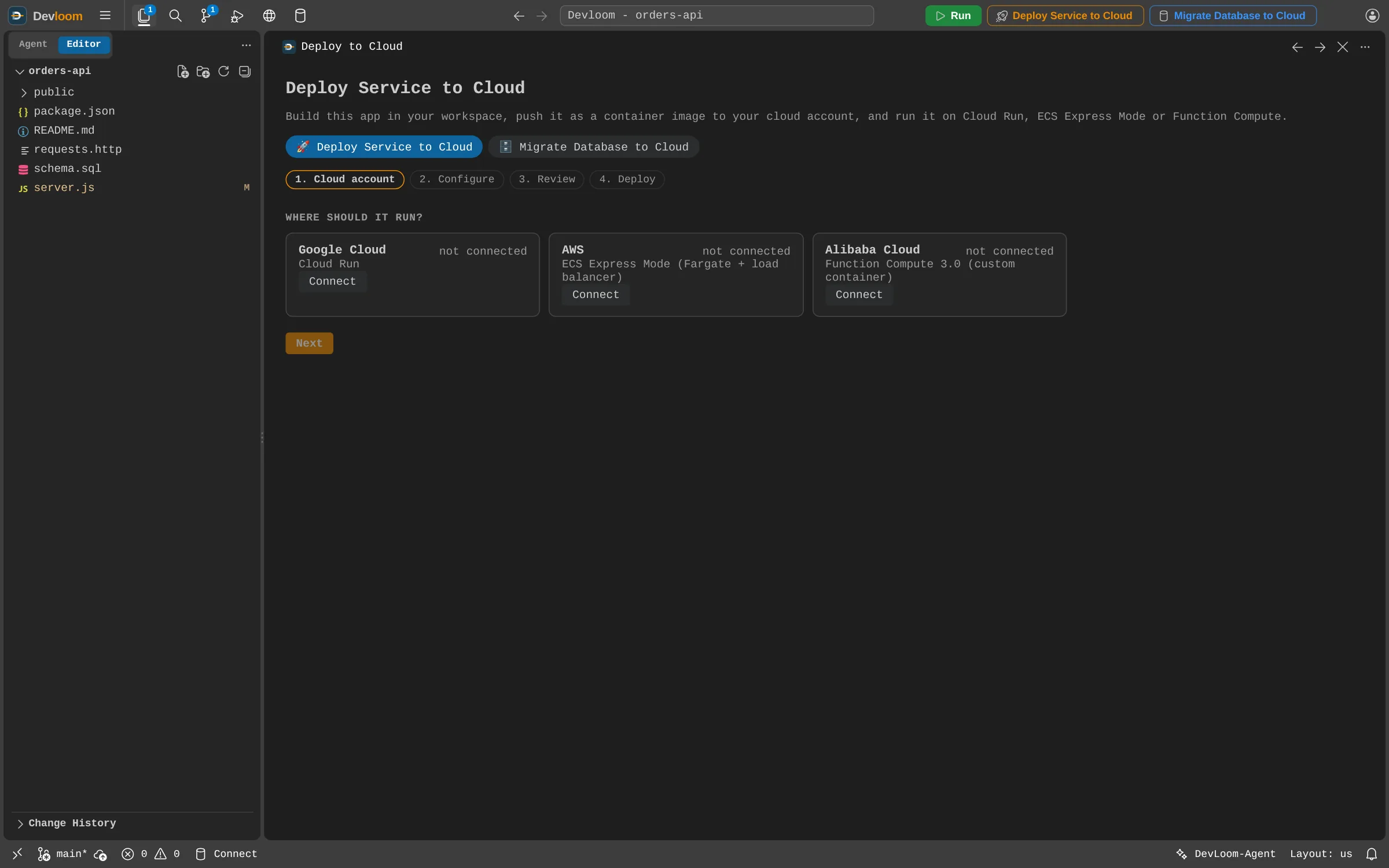
Connect Jenkins, AWS, Google Cloud or Alibaba Cloud. The agent can read builds, service logs and database logs. Its access is read-only: it never starts or changes a pipeline.
Bug fixing
Connect where your apps build and run. Devloom-Agent reads the logs, finds the cause, changes the code and tests the fix while you watch.
How it works
Connect Jenkins, AWS, Google Cloud or Alibaba Cloud. The agent can read builds, service logs and database logs. Its access is read-only: it never starts or changes a pipeline.
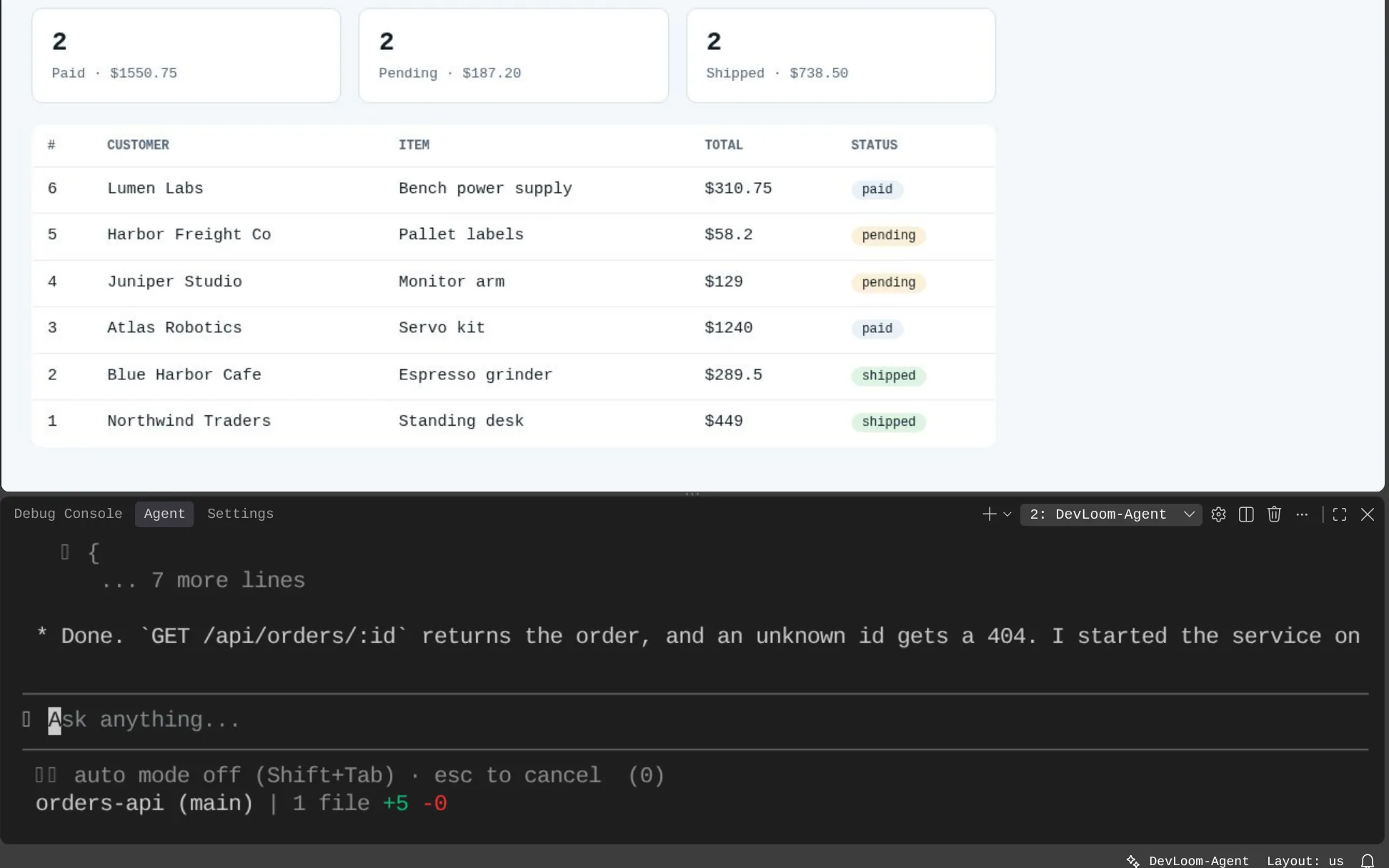
The agent runs your app and tests it in Devloom Tester and with your API requests, so the fix is checked against the real behaviour.
Log access cannot change your pipelines or your cloud.
Review each edit and command before it is written or run.
Spring Boot, Angular, Node.js, Python and Go.
Jenkins, AWS (CloudWatch Logs and CodeBuild), Google Cloud (Cloud Build and Cloud Logging), and Alibaba Cloud for services you deployed from Devloom. Sources must be reachable from the internet.
Not today. You ask it to look, and it reads the logs from there.
Request an account and start as soon as it is approved.