
01
Ask without risk
In Plan mode the agent searches and reads your code, discusses it with you and plans changes, without changing any files. Tab switches to Act when you are ready.
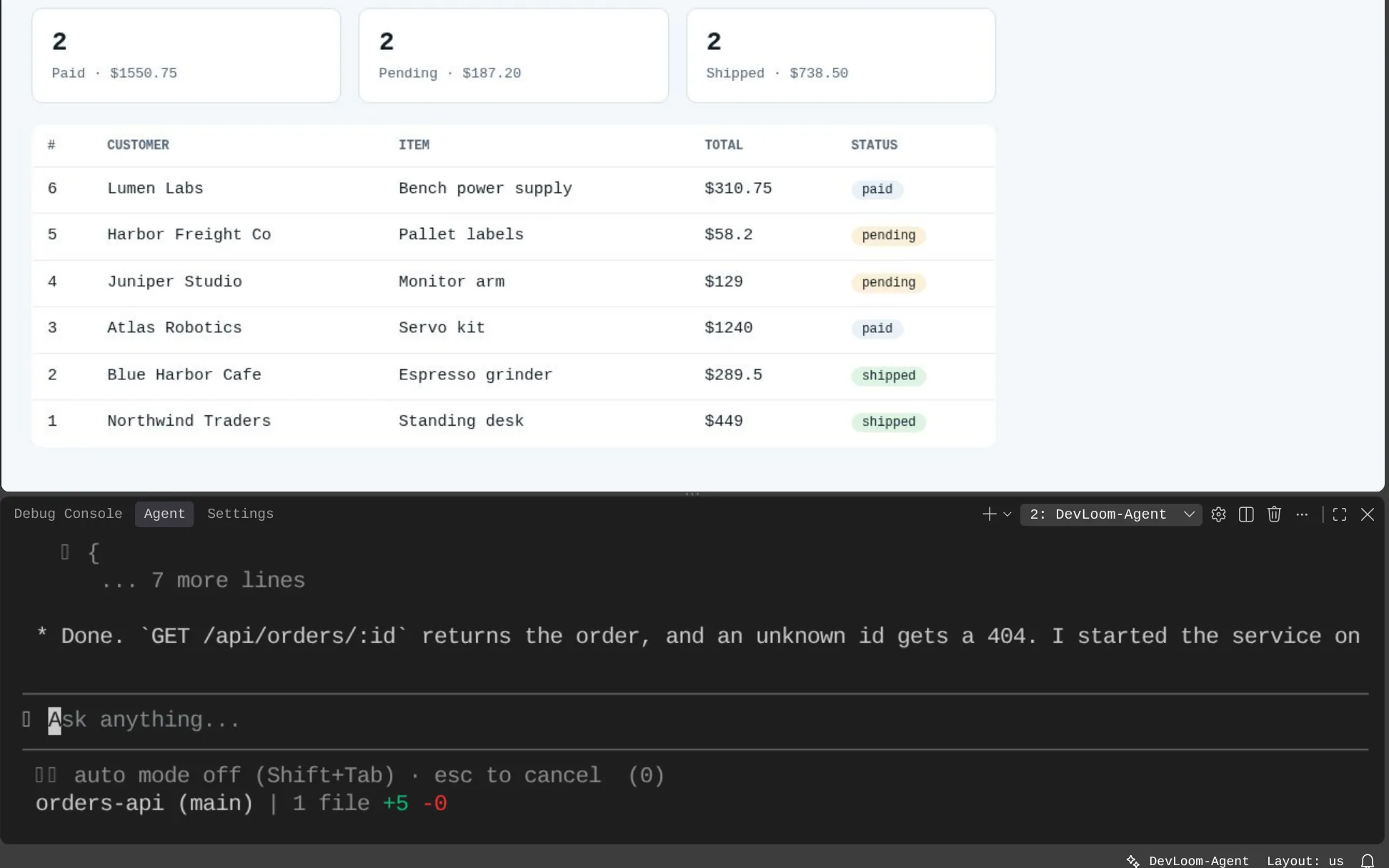
Codebase understanding
New to a project, or back in one you have not touched for a while? Ask Devloom-Agent in plain words. It reads the code and explains how it works, without changing a thing.
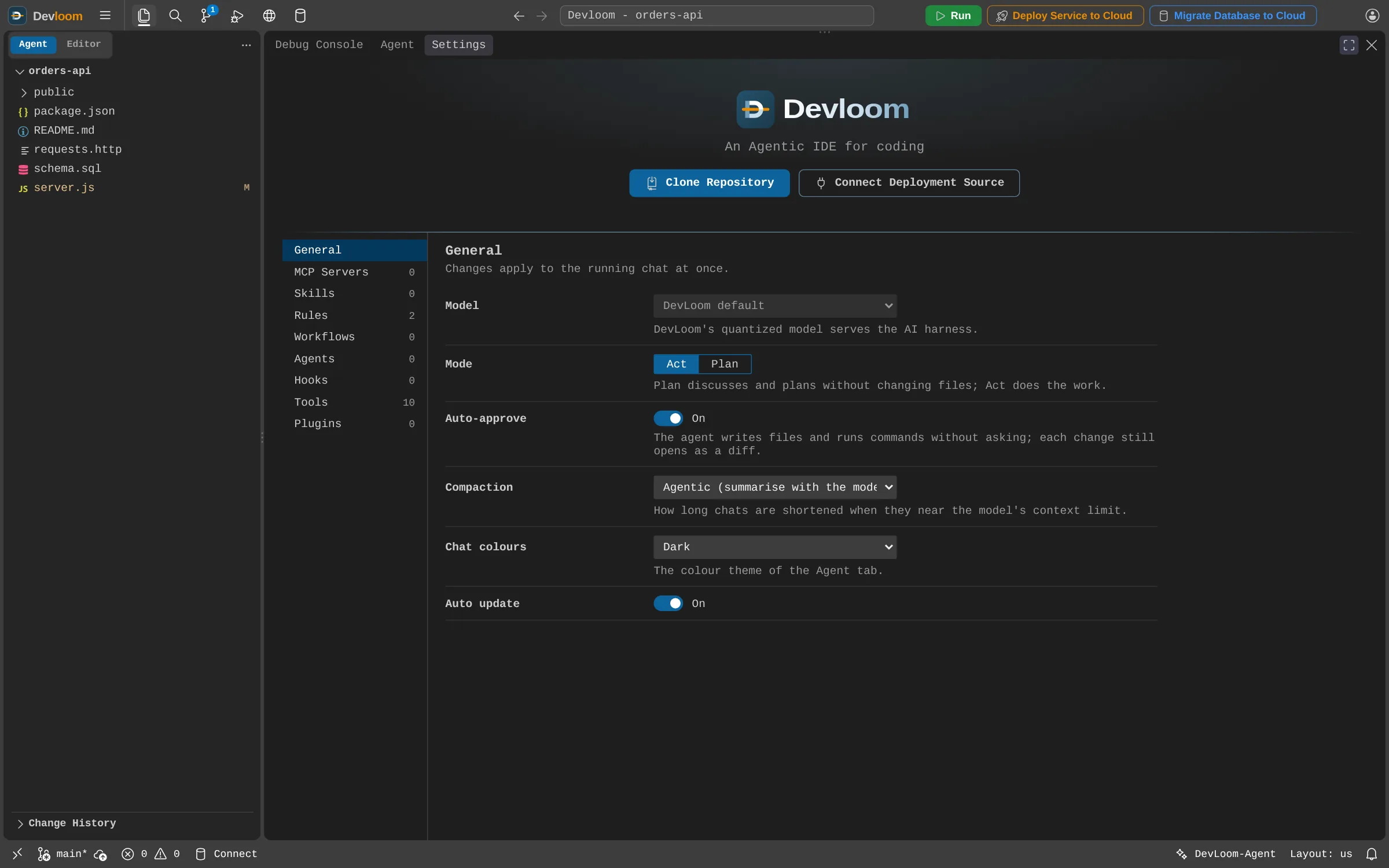
How it works
In Plan mode the agent searches and reads your code, discusses it with you and plans changes, without changing any files. Tab switches to Act when you are ready.
Run /init to have the agent write an AGENTS.md describing your project, then add rules and skills in Settings so every session starts with that knowledge.
From what does this function do to how does a request reach the database.
Start the app in Devloom Tester and see the behaviour the code describes.
Clone a repository from the Agent view and start asking straight away.
Devloom-Agent's model runs on Devloom's own servers. Read more on the security page.
No. The agent searches and reads your files as it needs them.
Request an account and start as soon as it is approved.