
01
Deploy without a Dockerfile
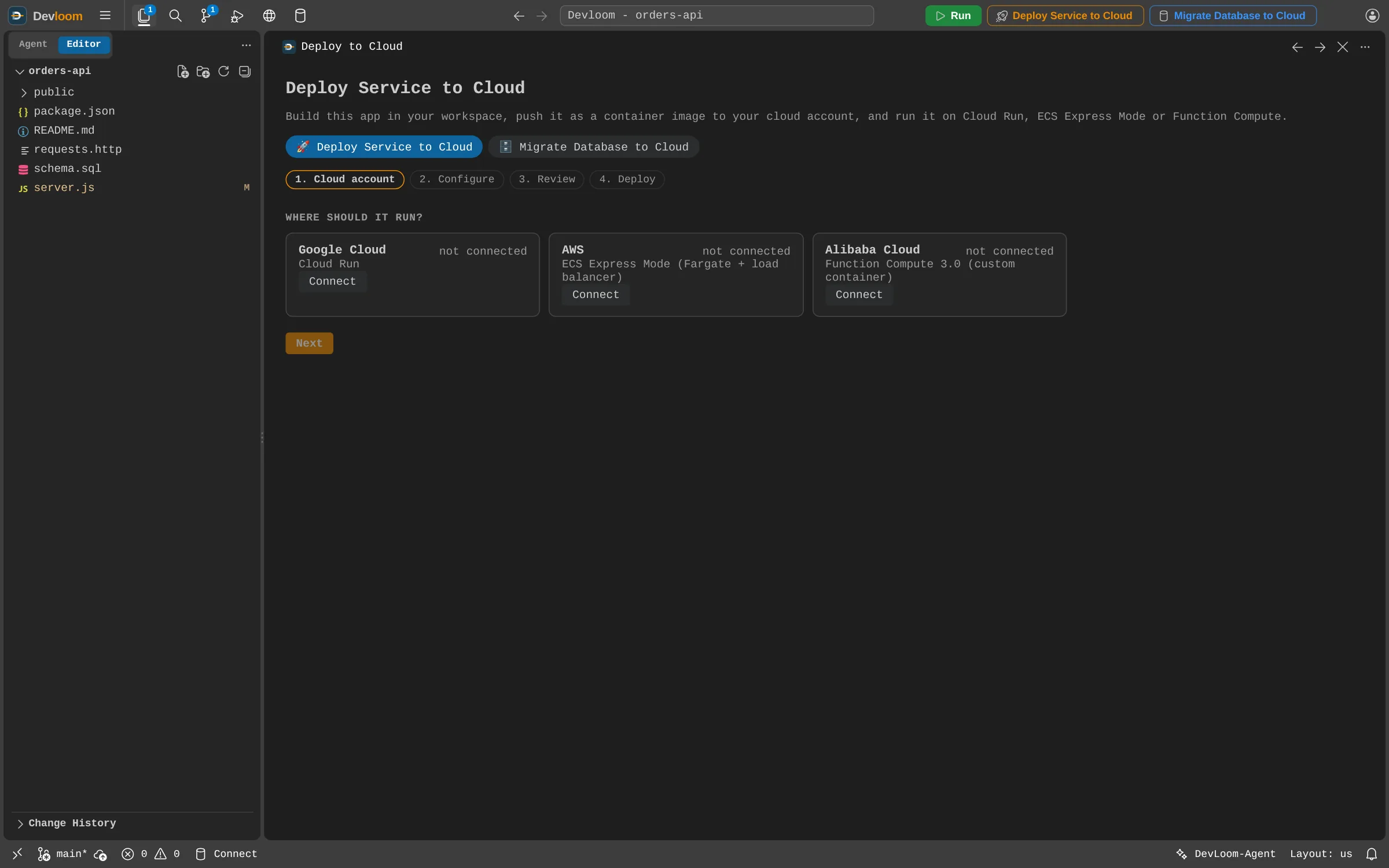
Devloom builds in your workspace and runs your service as a container on Google Cloud Run, AWS ECS Express Mode or Alibaba Function Compute. Confirm what will be billed, then follow each step in a live log.
Cloud migration
Deploy from your workspace to your own AWS, Google Cloud or Alibaba Cloud account, and copy your database across with every table checked.
How it works
Devloom builds in your workspace and runs your service as a container on Google Cloud Run, AWS ECS Express Mode or Alibaba Function Compute. Confirm what will be billed, then follow each step in a live log.
Copy your workspace database to a new Cloud SQL or Amazon RDS instance, or to any PostgreSQL you already have. Every table's row count is compared afterwards.
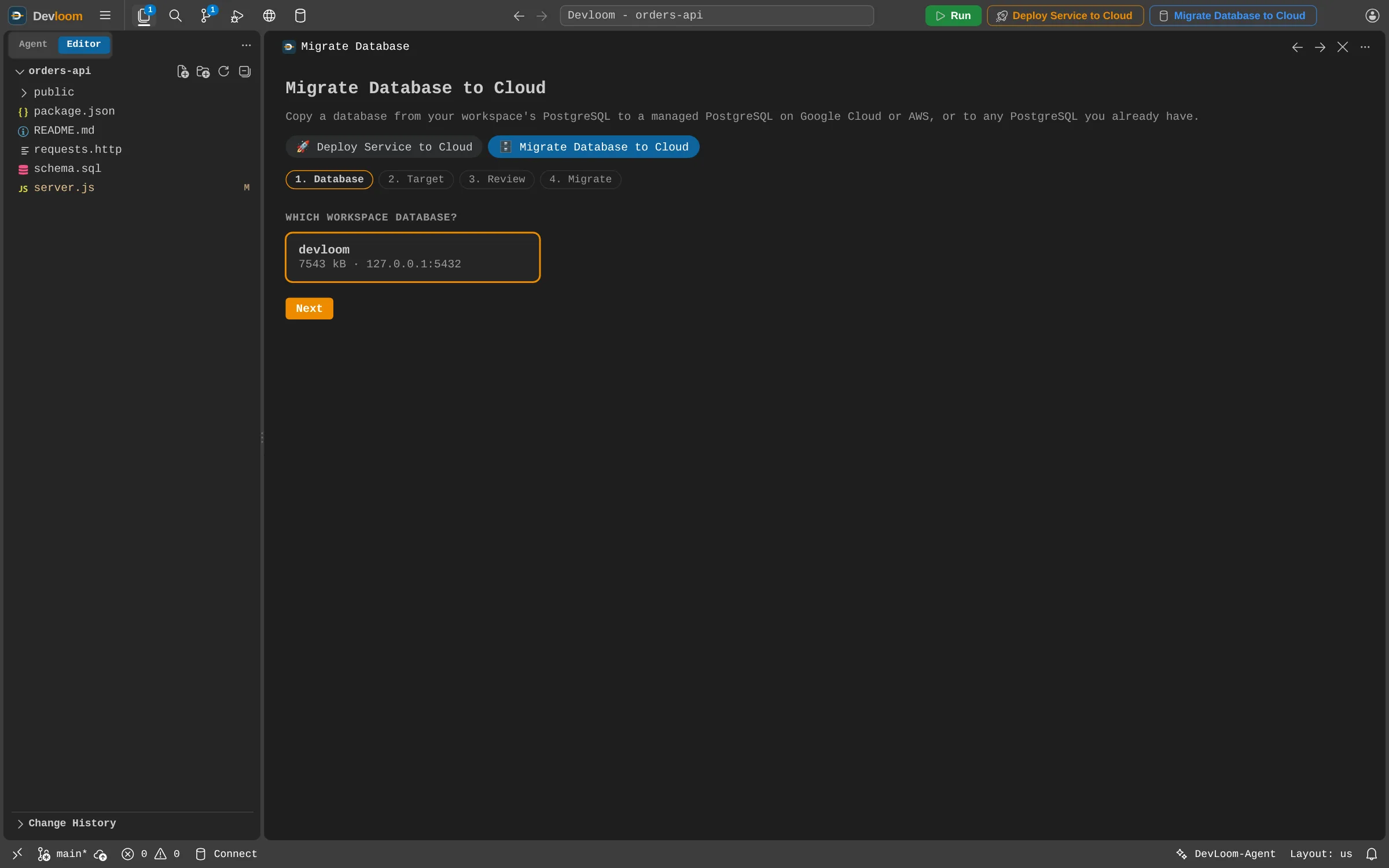
Everything runs in your own cloud account, and your provider bills you directly.
Variables come from the form, and your .env file never goes in the image.
Devloom-Agent can read the logs of each run and of what it created.
Not yet. For now you connect them yourself, with the Cloud SQL connector on Cloud Run or a security group rule on AWS.
Not from the panel yet. Your service gets the address your cloud provider assigns.
Yes, to an ApsaraDB RDS instance you already have.
Request an account and start as soon as it is approved.