
01
Productive on day one
Approve an account, and that developer signs in to a full editor, terminal, Git, PostgreSQL and Devloom-Agent in the browser. Devloom Desktop and the CLI use the same account.
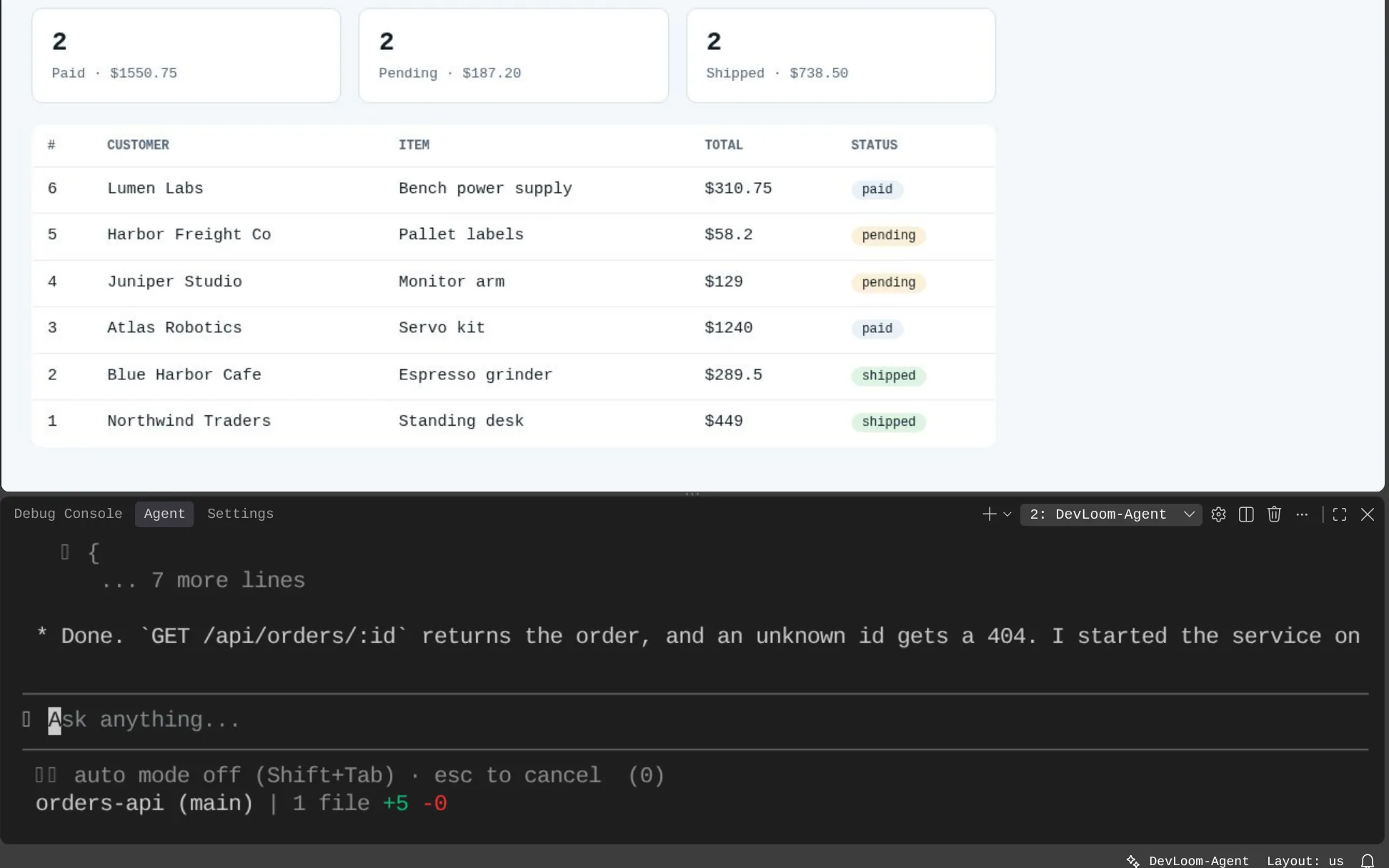
Engineering teams
New people start working as soon as their account is approved. There is nothing to install, and each developer has their own isolated environment and database.
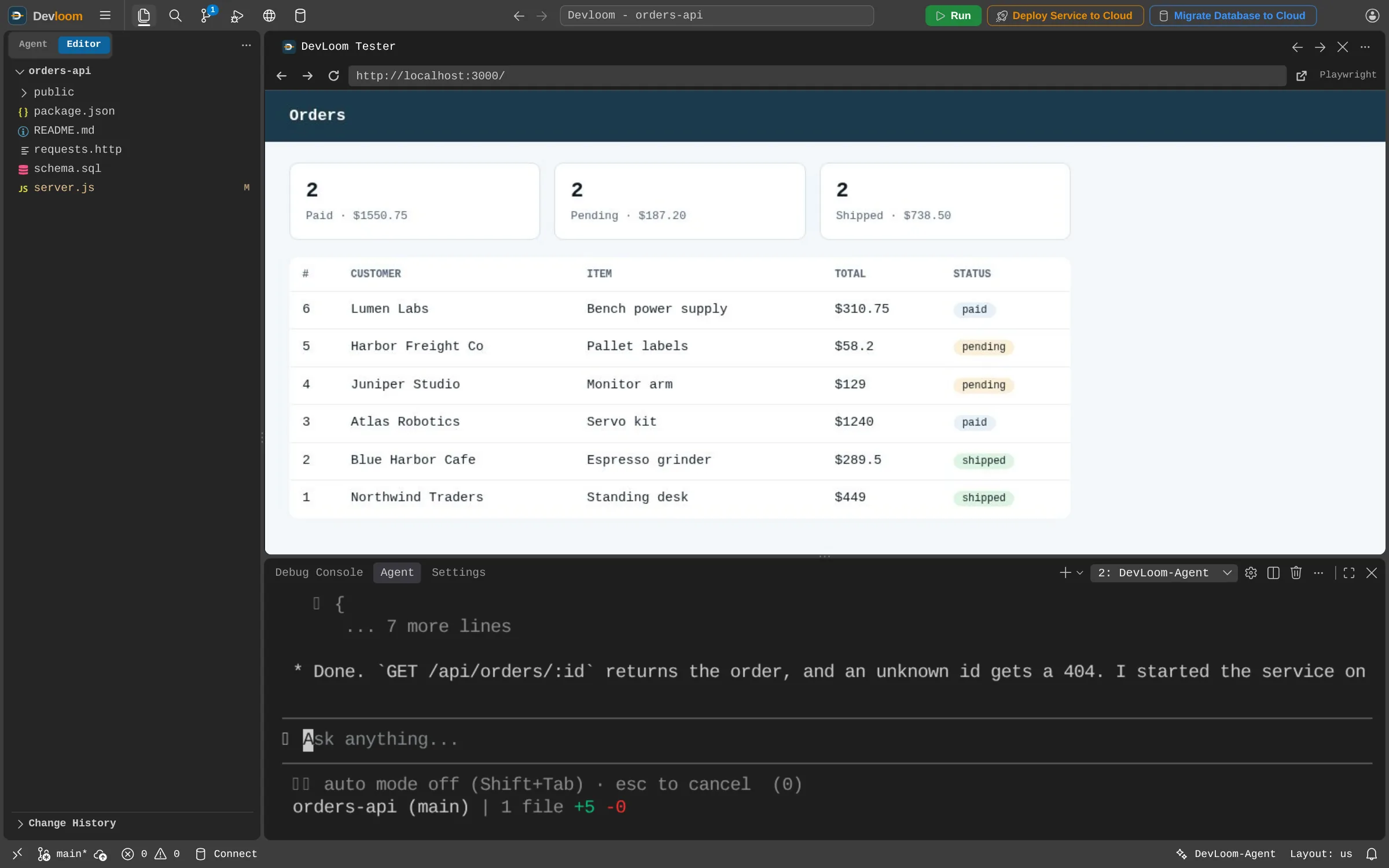
How it works
Approve an account, and that developer signs in to a full editor, terminal, Git, PostgreSQL and Devloom-Agent in the browser. Devloom Desktop and the CLI use the same account.
Write rules, skills and workflows, and keep them in the project so the agent follows your conventions for everyone who works on it.
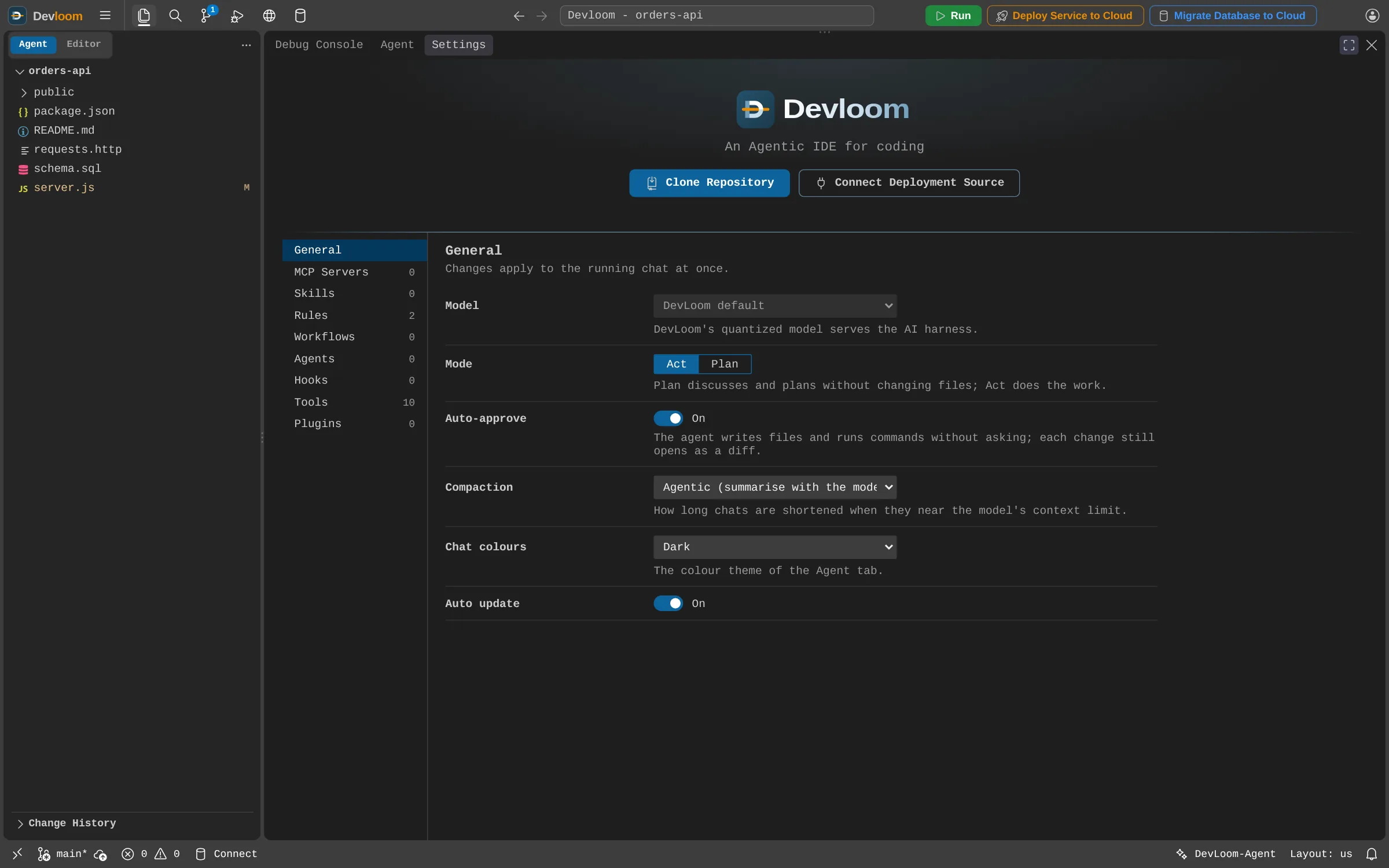
A separate container and volume per user, closed off from each other by the network.
Accounts are requested, and an administrator approves each one.
Each developer connects the cloud accounts they are allowed to use.
Not yet. Accounts use an email and password for now.
Not yet. Pro is per user today. Talk to us about what your team needs.
No. Each workspace is private to its user, so share work through Git.
Request an account and start as soon as it is approved.